A free, open-source, ultra-fast, and self-hosted application to display live Google Pay, PhonePe, and Amazon Pay notifications, donation goal bars, top supporters, and cycling widgets on your live stream.
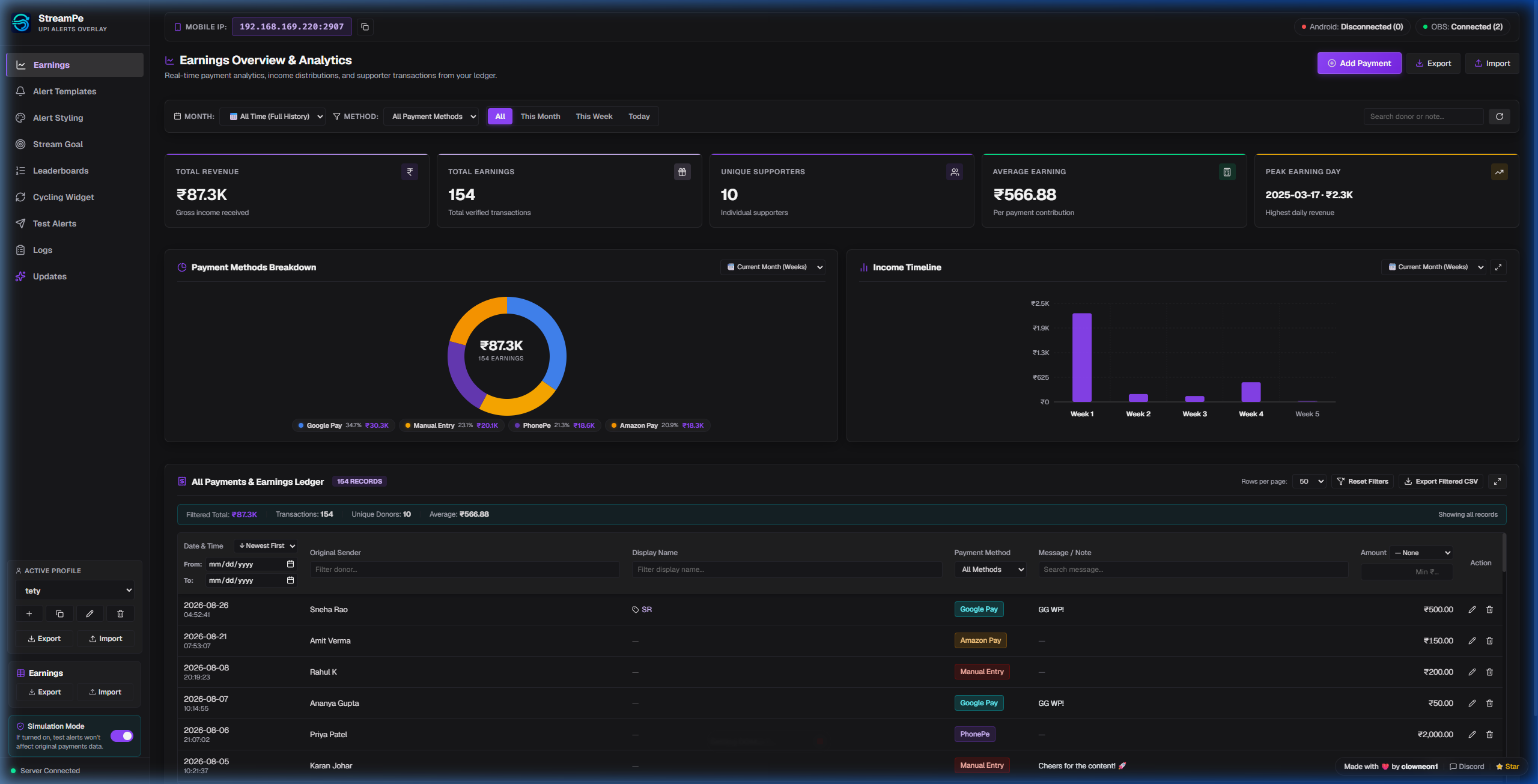
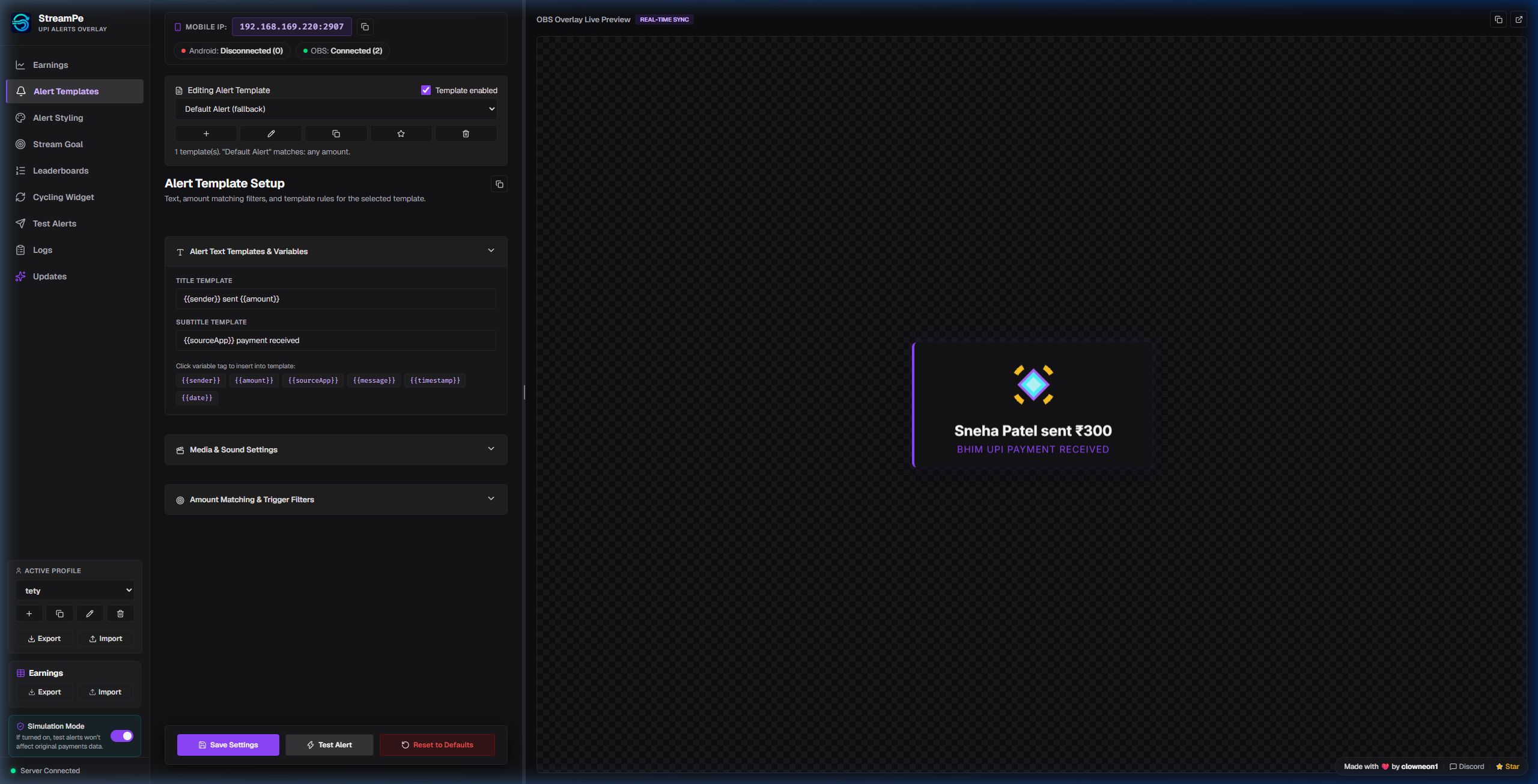
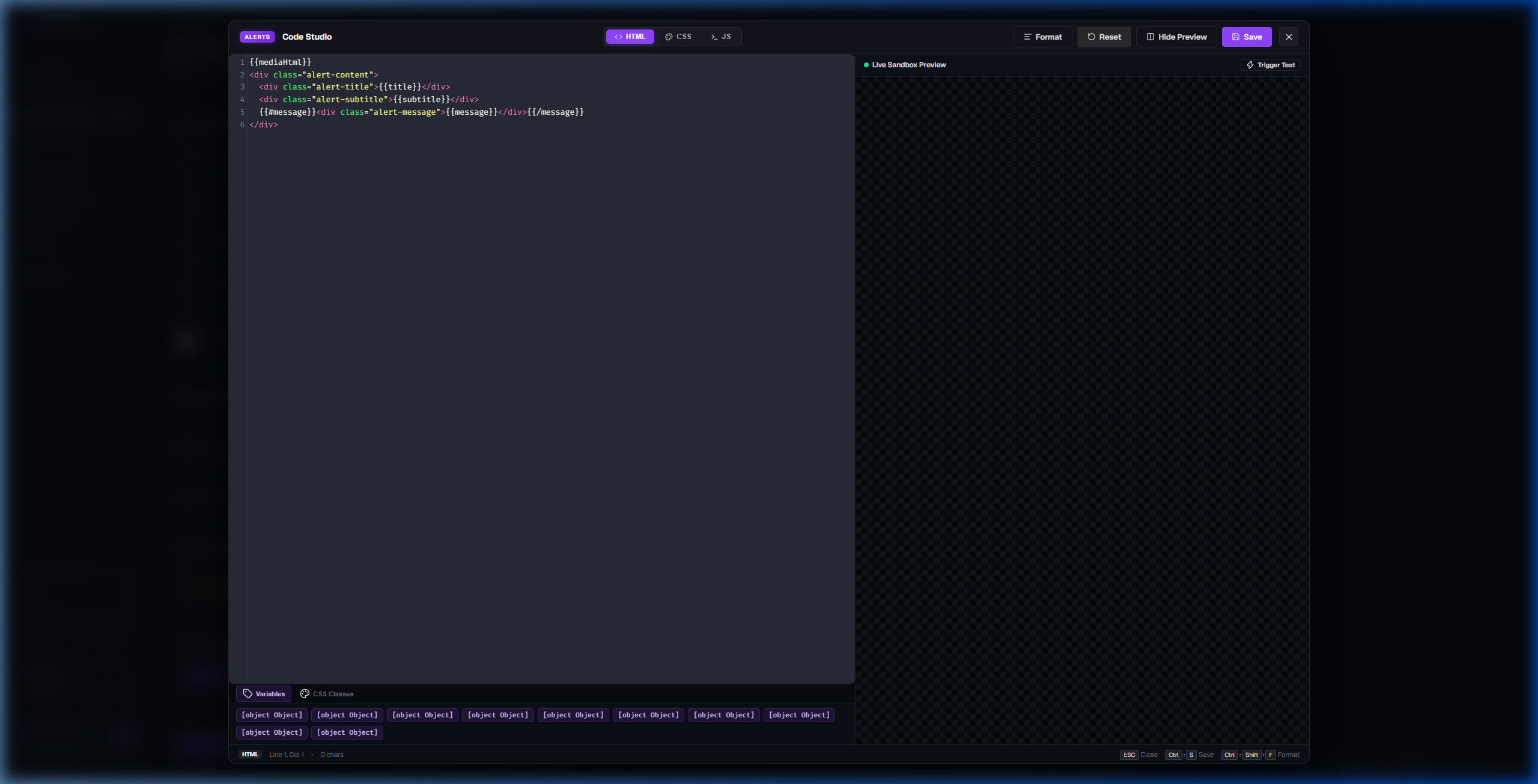
Explore the desktop control panel, live alert customizer, fullscreen code studio, and companion app. Click any preview to zoom.
Designed for reliability, privacy, and seamless live stream integration.
Real-time alert cards popup on your stream within milliseconds of a payment hitting your phone. Zero delay when fans support your stream.
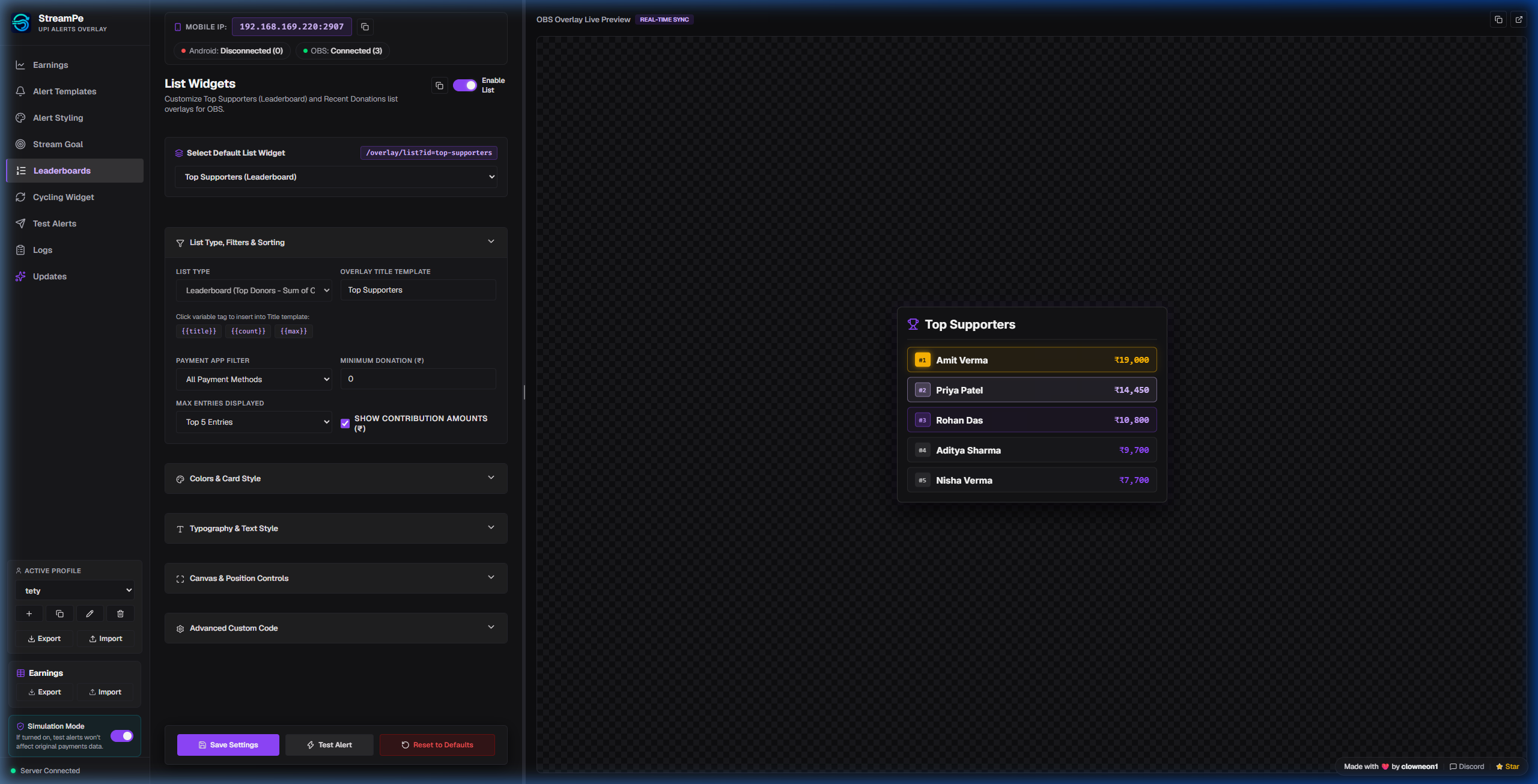
Interactive earnings dashboard with daily income charts, top supporter rankings, and payment breakdowns to track your stream growth.
Build completely custom alert cards and widgets with custom HTML, CSS animations, and JS logic backed by a real-time live preview sandbox.
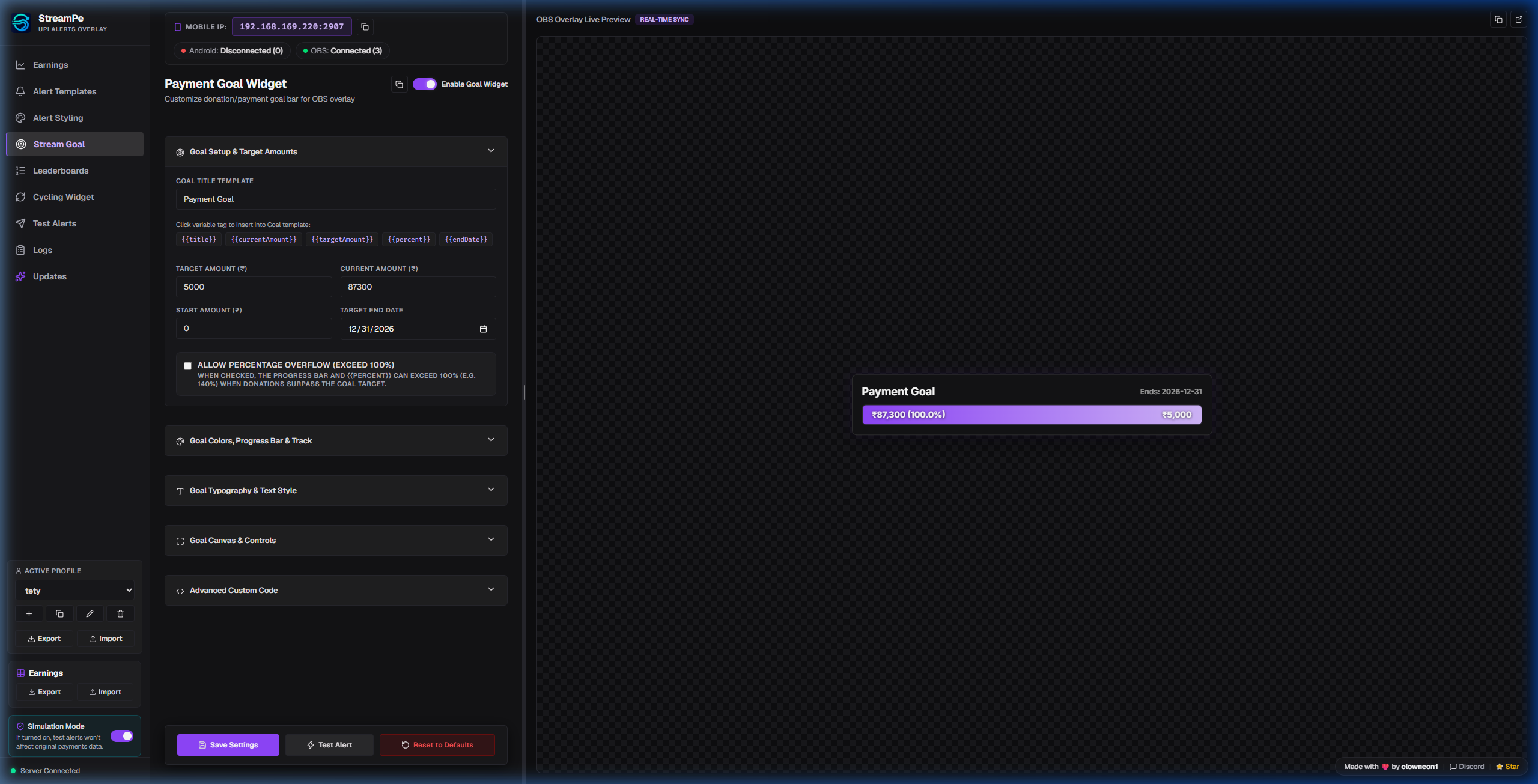
Set funding goals for stream gear, events, or milestones with animated progress bars that automatically update live as donations arrive.
Map raw bank and UPI sender names to custom streamer aliases with smart canonical matching across PhonePe, GPay, and Amazon Pay.
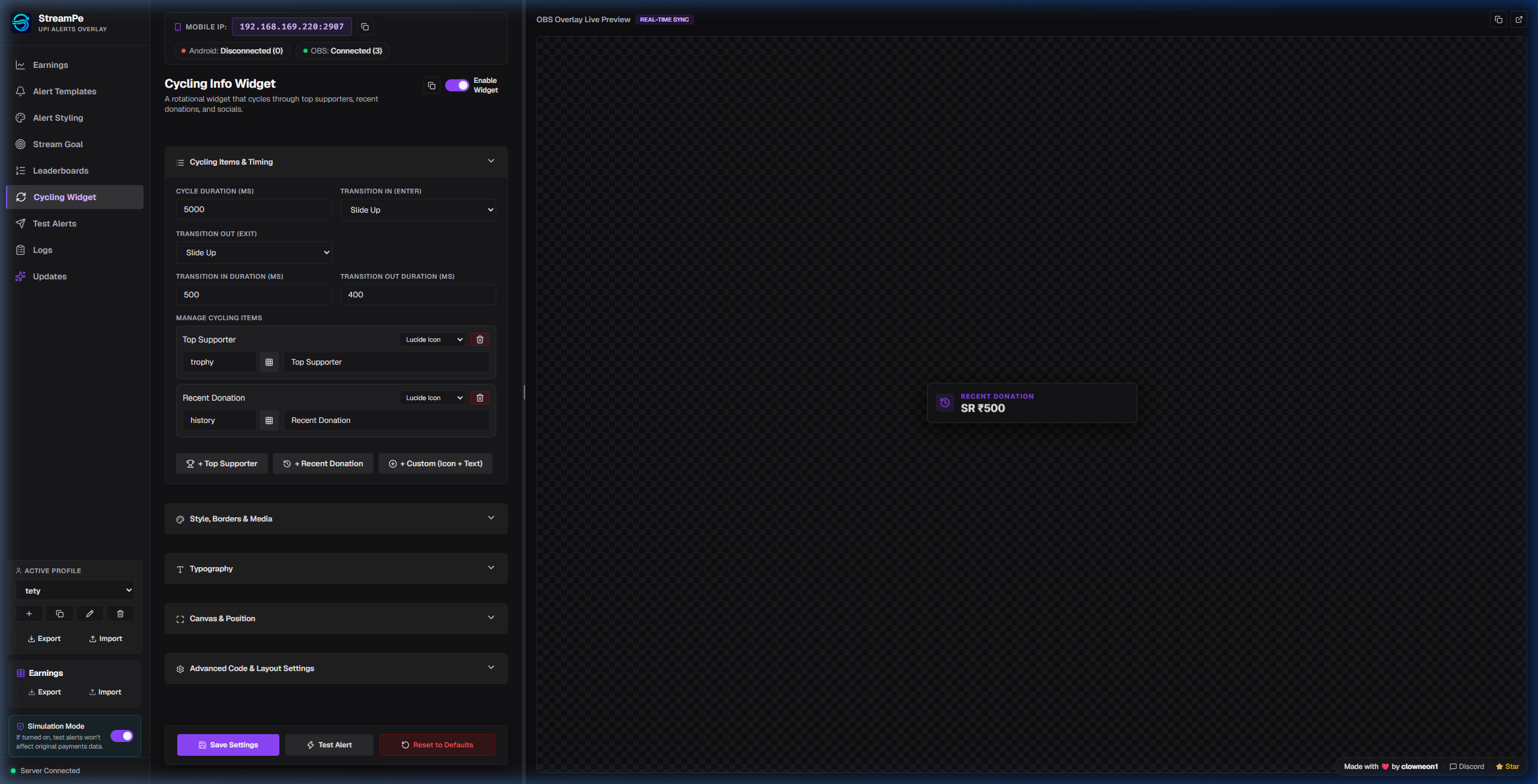
Keep your stream layout clean by automatically cycling between top supporters, recent donations, and custom promo banners.
Maintain separate configuration profiles for gaming, chatting, or events with zero-dependency ZIP backup and migration support.
Operates entirely within your own local Wi-Fi network. Your financial notifications stay 100% private on your own PC and phone.
Get your payment alerts live on OBS Studio in 4 simple steps.
Download the portable ZIP archive from GitHub Releases and extract it anywhere on your PC.
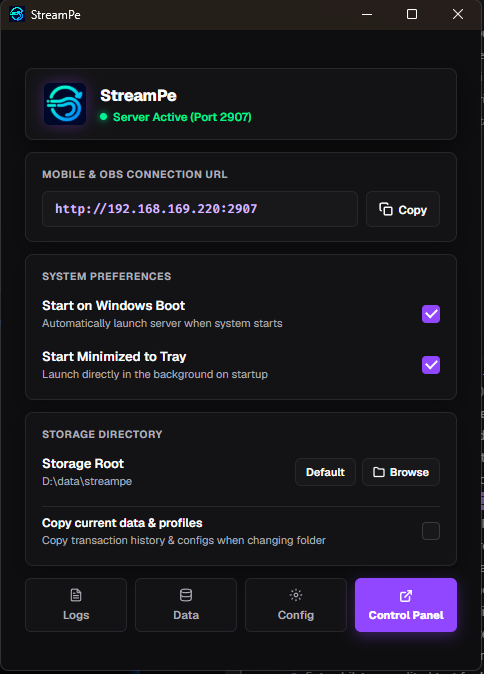
Run StreamPe.exe. Allow Windows Firewall access on Private networks so
local devices can communicate.
Install the Android companion APK on your phone. Grant Notification Access so it can forward Google Pay & PhonePe alerts. (Play Protect guide)
In OBS Studio, add a Browser Source pointing to
http://<YOUR-PC-IP>:2907/overlay/alerts (Canvas: 800x600).